


Your cart is currently empty!
What Happens to Your Alarm System During a Power Outage?
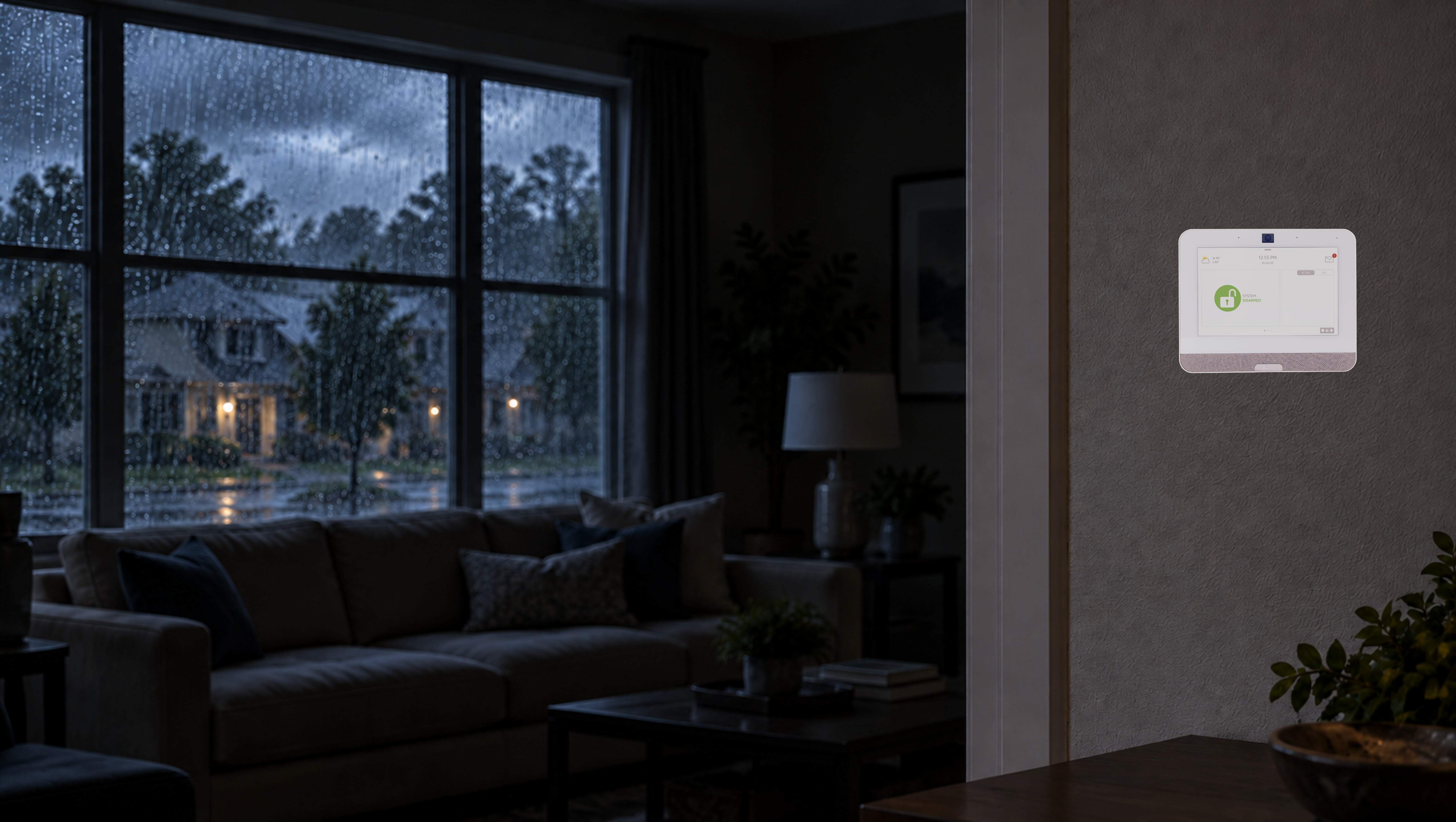
With Hurricane Isaias expected to bring heavy rain and strong winds to parts of Georgia, some EMC Security customers may experience power outages. We want you to know what to expect from your alarm system if your home loses power.
All EMC Security alarm systems include a backup battery designed to keep essential alarm functions operating temporarily during an outage. Your keypad may begin chirping, your cameras may be affected and you may notice messages on the keypad when power returns. Most of these are normal responses to a loss of household power.
Here is what you need to know before, during and after a power outage.
Your Alarm System Will Switch to Its Backup Battery
When your home loses power, the alarm system automatically switches to its backup battery so essential security functions can continue operating.
The amount of time the system can operate on backup power depends on the type of equipment and the age and condition of the battery. Do not unplug your alarm system or remove its backup battery during an outage.
Your Keypad May Begin Chirping
When the system detects a power outage, your keypad may begin chirping. This sound is asking you to acknowledge the power-related trouble condition. It does not mean your alarm system has stopped working.
In most cases, you can acknowledge the notification by following the same steps you use to disarm your system. Depending on your keypad, this may mean entering your code or entering your code followed by the OFF button. This will typically silence the trouble beeps for approximately 12 hours.
If power has not been restored by then, the keypad may begin chirping again to remind you that the system is still operating without household power. Refer to your system’s user manual for instructions specific to your keypad.
Power Outage and Alarm System FAQs
Can I Still Arm and Disarm My Alarm System During a Power Outage?
Yes. As long as the backup battery has sufficient power, you can continue arming and disarming your alarm system as usual.
I Lost Power While I Was Away. Is My Alarm System Still Armed?
Yes. Losing household power does not disarm your alarm system. It will remain armed and automatically switch to its backup battery.
If an outage lasts long enough to deplete the backup battery completely, the alarm system may eventually stop operating until household power is restored.
Can My Alarm System Still Communicate With the EMC Security Monitoring Center?
Yes. Systems monitored through cellular or landline communication can continue sending signals to the EMC Security monitoring center during a power outage, as long as the alarm system has sufficient backup battery power and the communication service remains available.
Will My Security Cameras Continue Working?
Security cameras, video doorbells, Wi-Fi routers and other internet-connected equipment often require household power. Even if your alarm system continues operating on its backup battery, cameras and app-based video features may temporarily go offline.
Some devices may continue working if they have their own battery or are connected to an uninterruptible power supply, commonly called a UPS. Availability will depend on your equipment and internet connection.
What Does AC Mean on My Keypad?
AC (Alternating Current) means your alarm system is receiving electricity from your home. It is not an error message.
The AC indicator is normally displayed on the keypad, but many homeowners do not notice it until they begin checking the system after an outage. When the electricity returns and AC appears on the keypad, it simply means household power has been restored to the alarm system.
Why Does My System Show a Low-Battery Message After Power Is Restored?
After power is restored, your alarm system may display a low-battery message. This is normal because the backup battery was used to power the system during the outage.
The battery should begin recharging automatically once household power returns, and the low-battery message should clear within approximately 12 hours. If the message remains after 12 hours, the backup battery may need to be replaced.
Where Can I Purchase a Replacement Alarm Battery?
Replacement batteries can often be found in the emergency lighting section at Home Depot or at batteries plus. You can also purchase a replacement battery through the EMC Security website.
Before purchasing one, check the existing battery to make sure you select the correct type and size.
If you would prefer to have an EMC Security technician replace the battery, call our office at 770-963-0305 for pricing and scheduling.
Have a hardwired system and not sure how to change the battery, watch our easy video for instructions
What Should I Do if My System Does Not Return to Normal?
Contact EMC Security if:
- Your alarm system does not power back or return to normal on after electricity is restored.
- Your keypad continues chirping and you cannot silence it.
- Your cameras or connected devices do not reconnect after power is restored.
Because equipment and communication methods vary, our team can help you understand how your specific system should respond.
Prepare Before the Power Goes Out
A few simple steps can help you prepare your alarm system before severe weather arrives:
- Replace aging backup batteries when recommended.
- Keep your emergency contact information current.
- Charge your phone and portable power banks.
- Consider using a UPS for your internet router.
- Test your smoke and carbon monoxide detectors.
- Keep flashlights and fresh batteries in an easy-to-find location.
A power outage does not automatically leave your home unprotected. Every EMC Security alarm system includes a backup battery designed to keep essential security functions operating temporarily when household power is unavailable.
If you have questions about your alarm system or need help with its backup battery, call EMC Security at 770-963-0305.